In fast-moving chats, reactions do more than express approval, they help move conversations forward and sometimes even signal their end. The larger the group, the more valuable it becomes to know who reacted to a message.
For members, it could be a simple gratifying thumbs up approval. But for organizers, seeing who’s reacting (and who isn’t) can offer real insight into engagement.
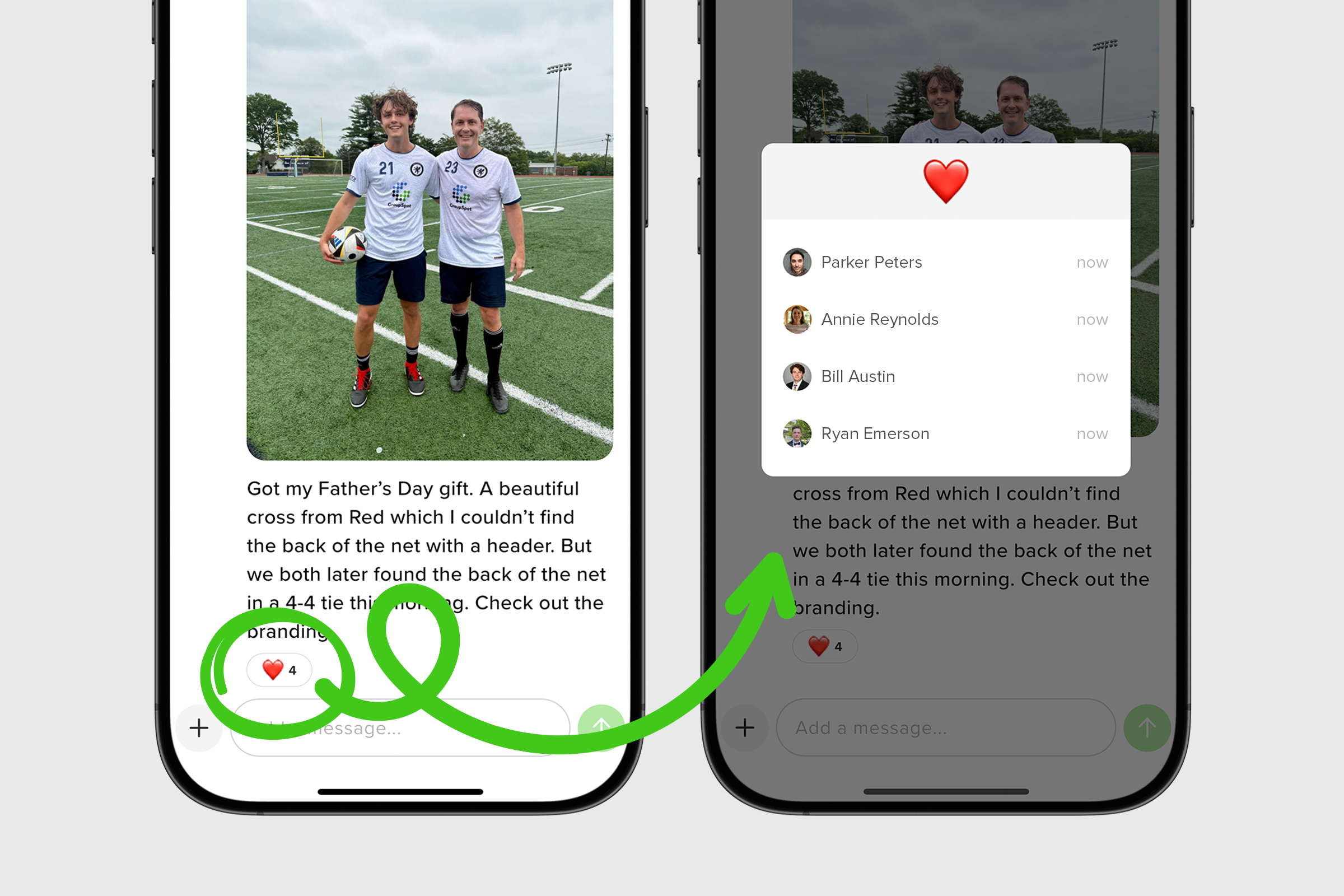
Now you can press and hold any reaction to see who left it. Here's how it works:
1. Open your selected chat.
2. Locate the chat thread with the emojis and long press the emoji until a modal pops up with the reaction information.
3. Once you have your answer, close the modal to continue on.